# always in sync
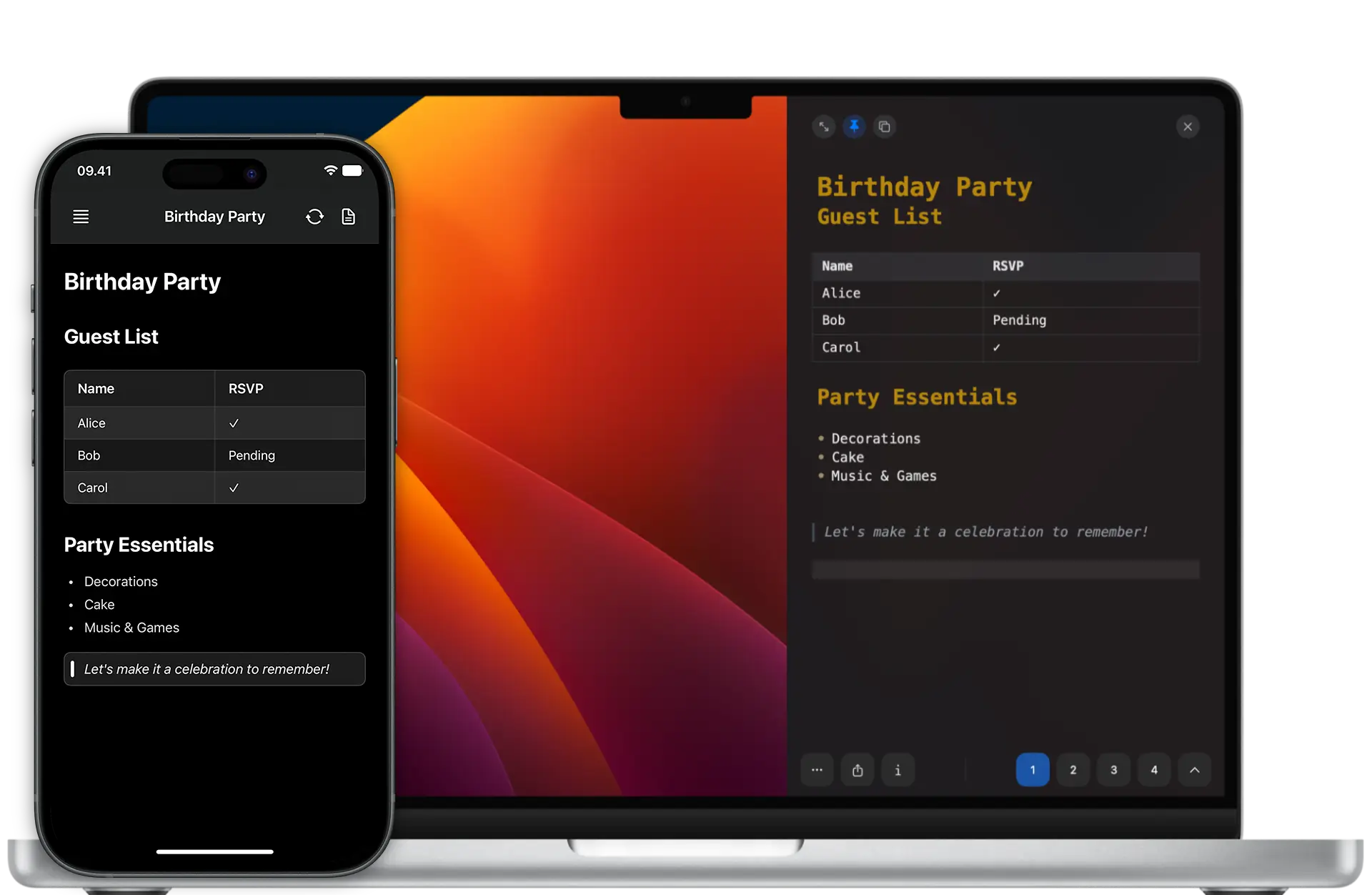
Write a note on your Mac, keep going on your iPhone. SnappyNotes syncs over iCloud, so it's exactly where you left it.
## Built to stay out of the way
Open it with a gesture, write, and keep going. These are the things it does better than a plain scratchpad.
# edge activation
Always a gesture away
SnappyNotes lives at the side of your screen, ready to slide in whenever you need it. Capture a thought in seconds without leaving the app you're in.
# markdown, done right
Write in Markdown
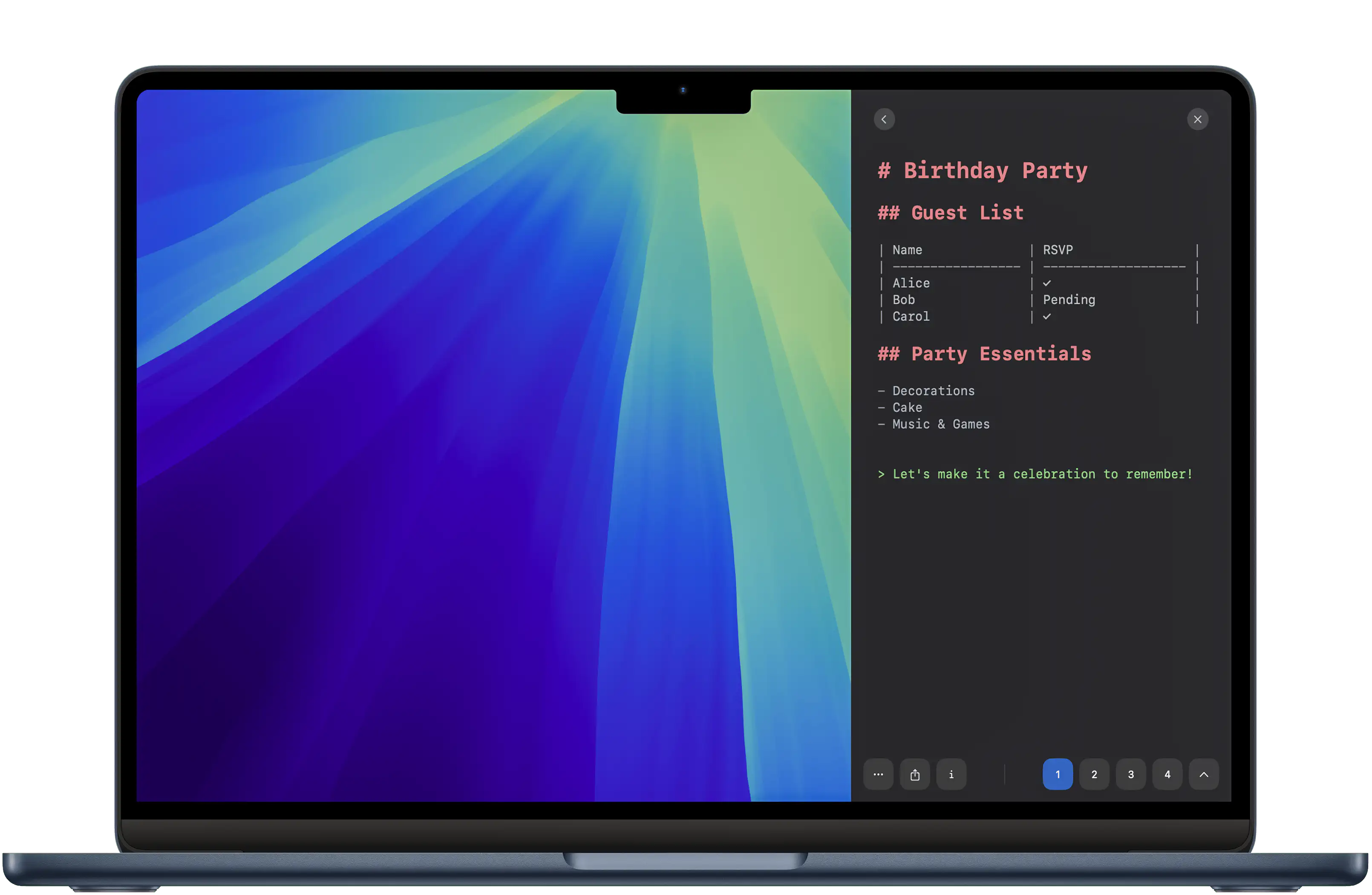
SnappyNotes supports full Markdown, including headings, tables, lists, quotes and code. You only see the raw syntax on the line you're editing, and everything else renders clean and formatted as you type.
# images, math & diagrams
Beyond plain text
Drop in an image, write an equation, or add a flow chart. Each one renders right inside your note as you write. Export your note as a PDF, and it all stays intact.
# focus mode
Distraction-free by a keystroke
A single configurable shortcut turns your entire display into a private notepad, blocking out other apps, notifications and visual clutter so you can write without interruption. You can enter and leave it the moment you need to.
## And the details
The smaller things you end up relying on once it becomes part of your day.
Quick access
Open your notes with a gesture or shortcut, without switching apps.
Auto-save
Every keystroke is saved as you type, so you never lose work.
iCloud sync
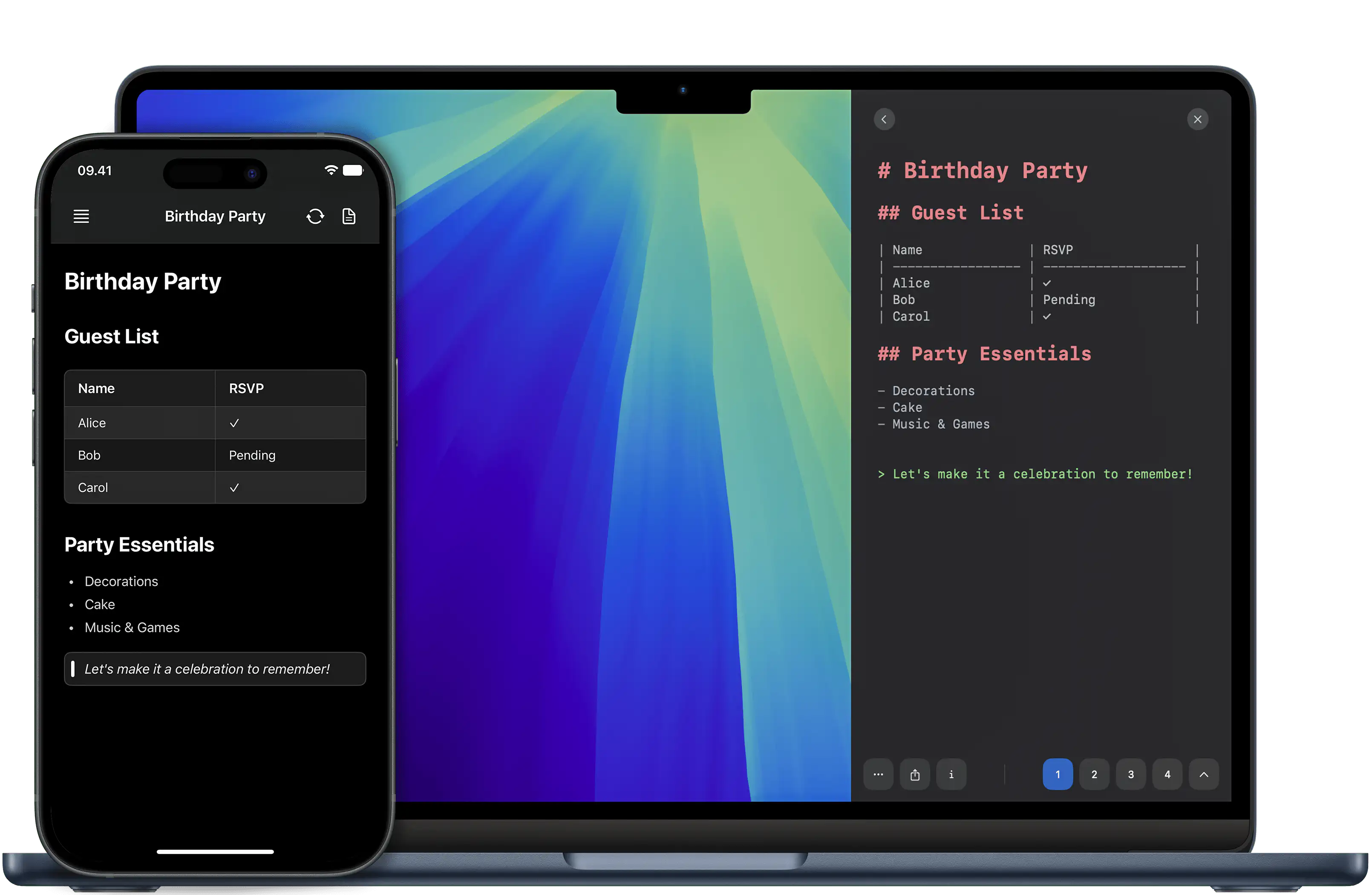
Start a note on your Mac, pick it up on iPhone or iPad.
Export as PDF
Math, diagrams, tables and images export exactly as they look in the editor.
Tasks, code & the / menu
Tappable checkboxes, syntax-highlighted code blocks, and a “/” command menu to insert anything fast.
Floating window
Pop a note out of the sidebar into its own window when you need more room.
Requires
macOS 15+
Price
€9.99
Free trial
7 days
Version
2.0.3
Size
10 MB
# one price, forever
Lifetime license for macOS and iOS. Up to 5 personal devices, free updates, no subscription.
## Questions
Your notes are stored securely on your iCloud Drive, accessible only by you. Each device keeps a local copy for instant access even when you're offline, and you can export any note as Markdown or PDF. Saving happens automatically as you type.